
Core features
Help center
SparrowDesk positions the help center as an AI-powered self-service hub: customers find answers on their own while your team keeps control of branding, structure, and when conversations escalate to chat or agents. Learn more about the help center on SparrowDesk .
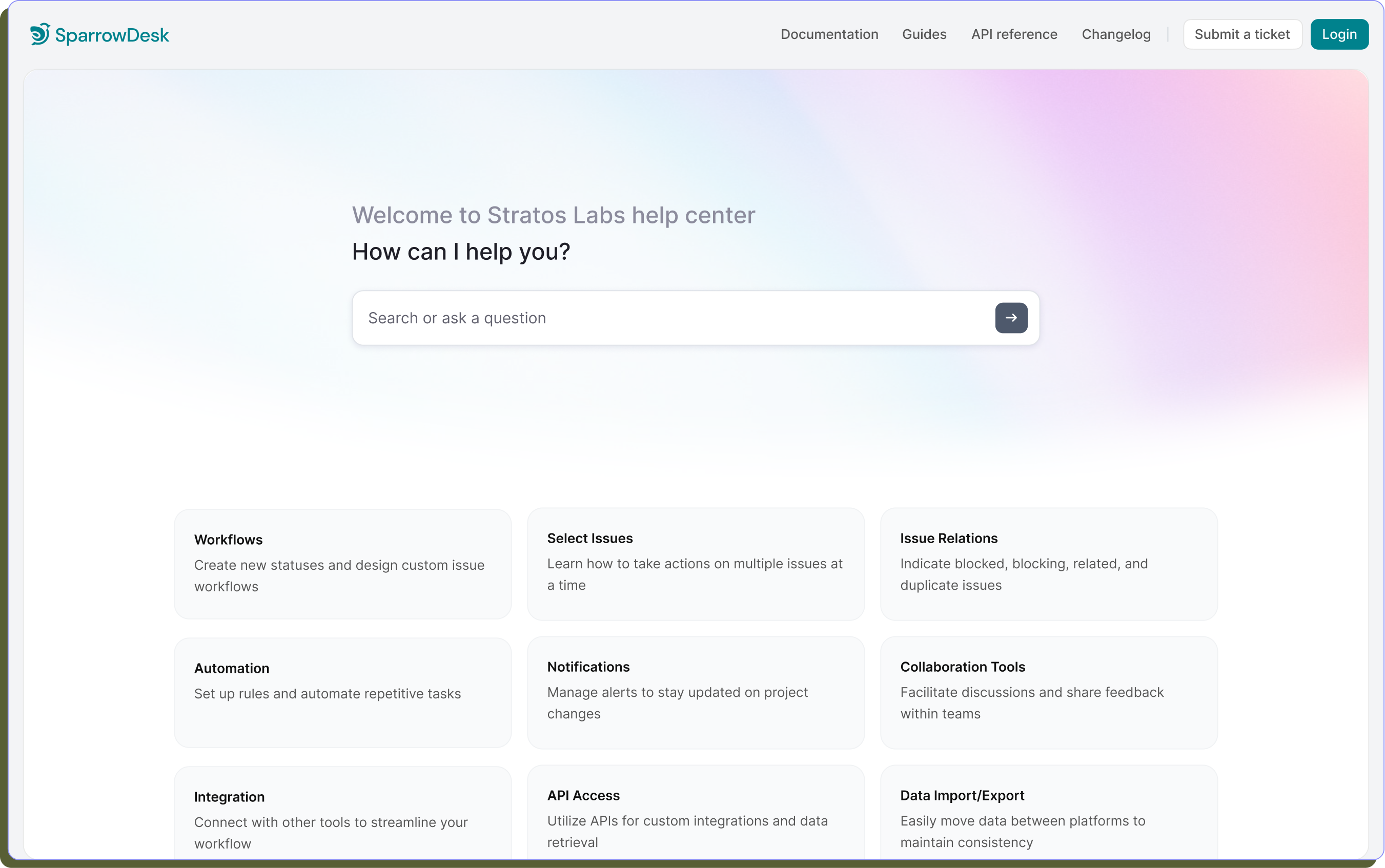
- Self-service, hosted by you — Build and publish a public help center so customers get instant answers without opening a ticket for every question.
- Your domain and brand — Serve the help center on your company domain and tailor logo, theme, colors, and messaging—SparrowDesk markets this as doable without a developer.
- SEO-friendly — Control how articles appear in search, including title, meta description, and featured image, so solutions are easier to discover.
- Rich content and collections — Create FAQs, guides, and playbooks in a rich-text editor with media; group articles into collections so browsing stays simple.
- Chat, AI, and 24/7 coverage — Add the chat widget to the help center; customers can get AI-assisted answers around the clock without digging through articles first.
- Multi-brand — Run separate help centers per brand and manage them from one SparrowDesk workspace.
- Customer portal — From the help center, customers can submit and track requests, add updates and files, and keep the whole conversation—portal or email—in one thread.
Summary aligned with sparrowdesk.com/products/help-center ; verify claims against live copy before publishing.